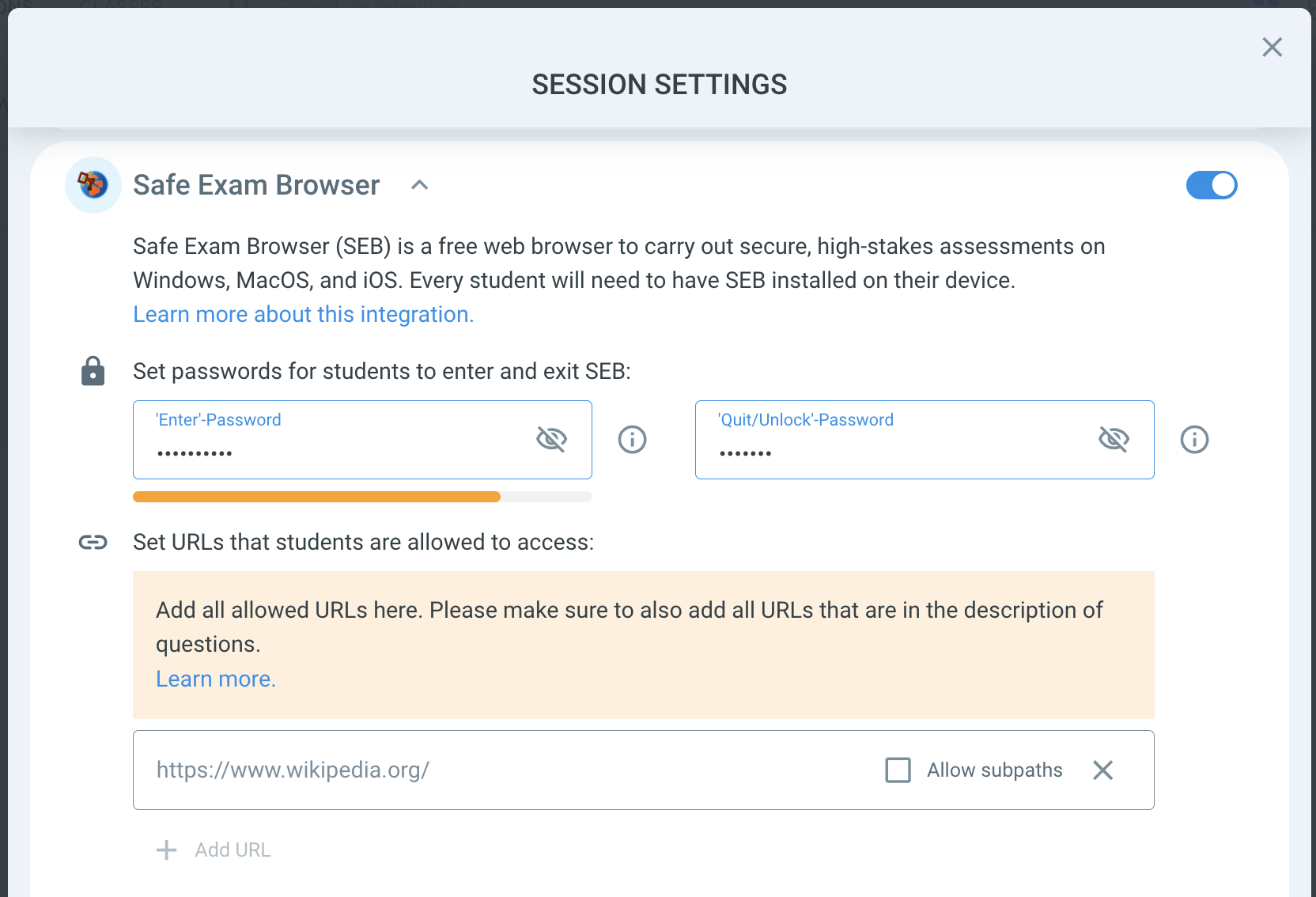
Safe Exam Browser temporarily turns any computer into a locked-down exam workstation. Once you enable it in the session settings, it takes control of what learners can reach — documents, system functions, websites, applications — and blocks everything you haven't explicitly allowed.
Anything you do want learners to open goes into the session settings field "Set URLs that students are allowed to access:"
Think of it as a two-way rule:
Every URL in your session must be on the whitelist. Images, reference websites, YouTube videos — if it isn't listed, learners simply won't be able to open it once Safe Exam Browser is running.
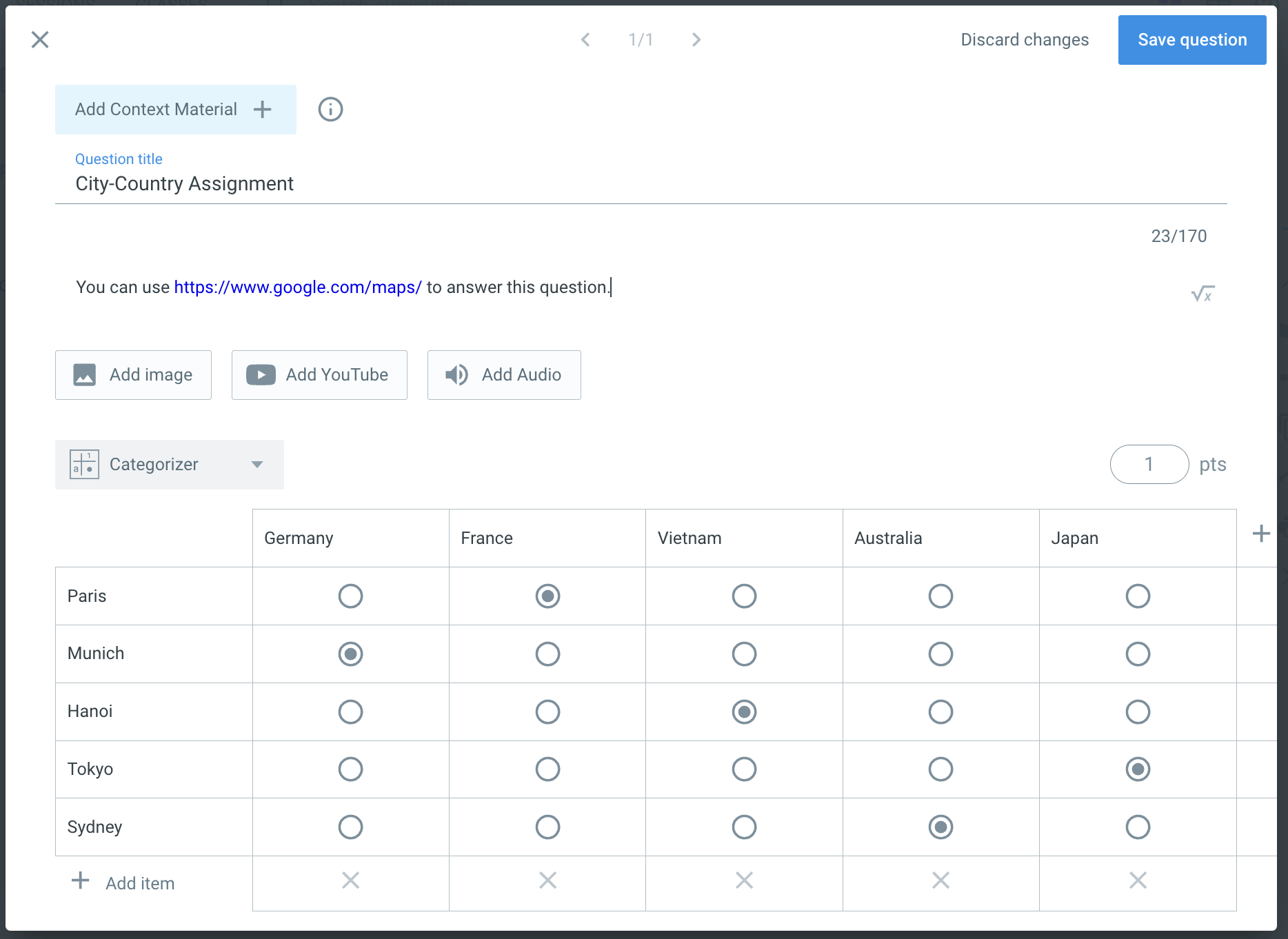
The reverse is also true: Every URL on your whitelist must be linked in a question. With Safe Exam Browser active, the Classtime session window is the only thing on screen: no address bar, no Google, no way to type a URL by hand. If you haven't placed the link inside a question, learners have no route to it.
To insert a link into a question, simply paste it into the question description: