
Already have questions in documents or files? Import them into Classtime in just a few steps. This guide explains how the AI-powered import works and how to achieve the best results.
This feature is available exclusively to users with an institutional license.
The Question Import feature helps you digitise existing materials quickly and efficiently.
With question import, you can:
Save time on manual question creation
Reuse trusted, high-quality materials
Teach digitally using Classtime’s interactive features
Import questions for any subject or grade
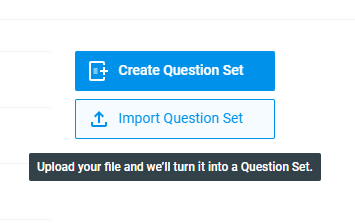
How to Import Questions
Click Import question set
Upload your file
Review the imported questions
Edit if needed and start using them
Supported File Formats
You can upload one file per import in the following formats:
PDF
DOCX
TXT
JSON
XML
CSV
💡 Tip: PDF files usually produce the most reliable results.
To import multiple files, start a new import for each file.
Take the following question as an example:
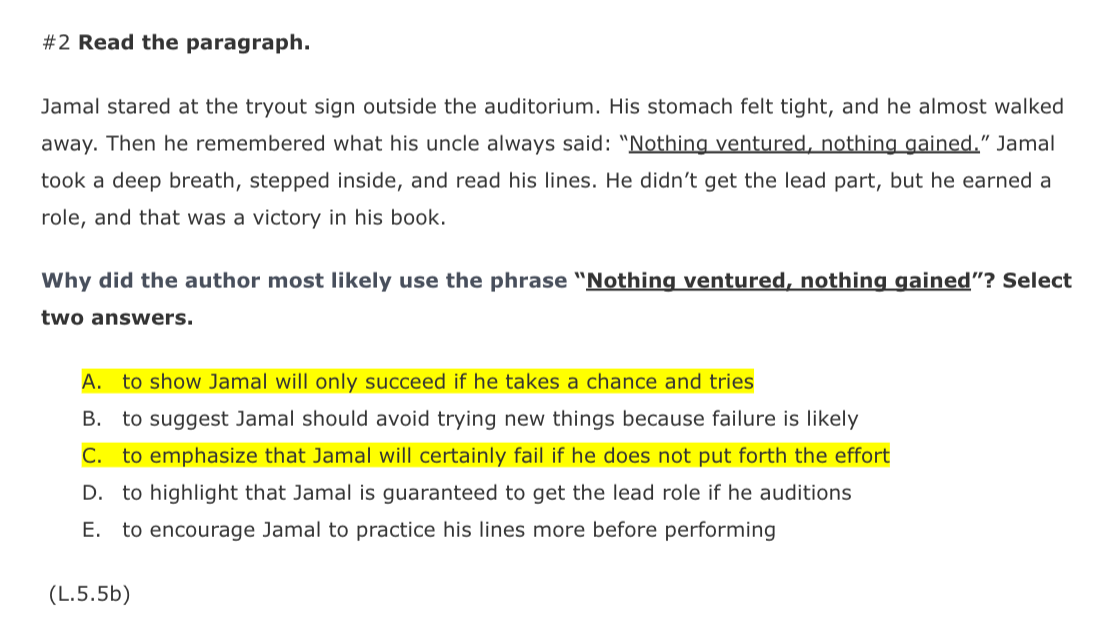
Supported Question Types
Your questions will be converted into these Classtime types:
Free text
True / False
Single choice
Multiple choice
Fill in the blanks
Categorizer
Preparing Your File
For best results, make sure that:
Each question includes a clear instruction, such as:
“Select the correct answer”
“Fill in the blank”
The correct solution is written directly after each question
Solutions are clearly marked as text, not only by color
If no solution is provided, the AI may attempt to generate one automatically.
How the AI Processes Your File
✅ Only questions are imported
❌ Explanations, theory, and extra text are ignored
⚠️ Questions without clear instructions may be skipped
⚠️ Ambiguous solutions may require manual correction
Import Duration & Notifications
Import takes 1–30 minutes, depending on:
File size
File structure
Text clarity
When the import is complete, you will receive:
A notification in Classtime (via chatbot)
An email to your Classtime account email
If nothing happens after 30 minutes:
Try uploading the file again
Contact Classtime Support if the second attempt fails
Importing Images from Your File
You can choose whether to import images from your document.
If You Select 'Yes'
Please note:
⏳ Import takes longer
⚠️ Text recognition may be less accurate
❗ Solutions marked in red inside images are often not recognised correctly
Recommended Settings
Enable image import only if images are essential
Always write solutions as plain text after each question
Avoid color-based solution markings
Copyright Confirmation
Before uploading, you must confirm that:
The content was created by you or
You own the copyright or usage rights for classroom use
The questions are used only for your own teaching
Classtime AG is indemnified against third-party claims
After the Import
Once the import is complete:
Review all questions carefully
Edit or correct them if necessary
Share feedback to help us improve the import quality
Here is the imported question set we received:
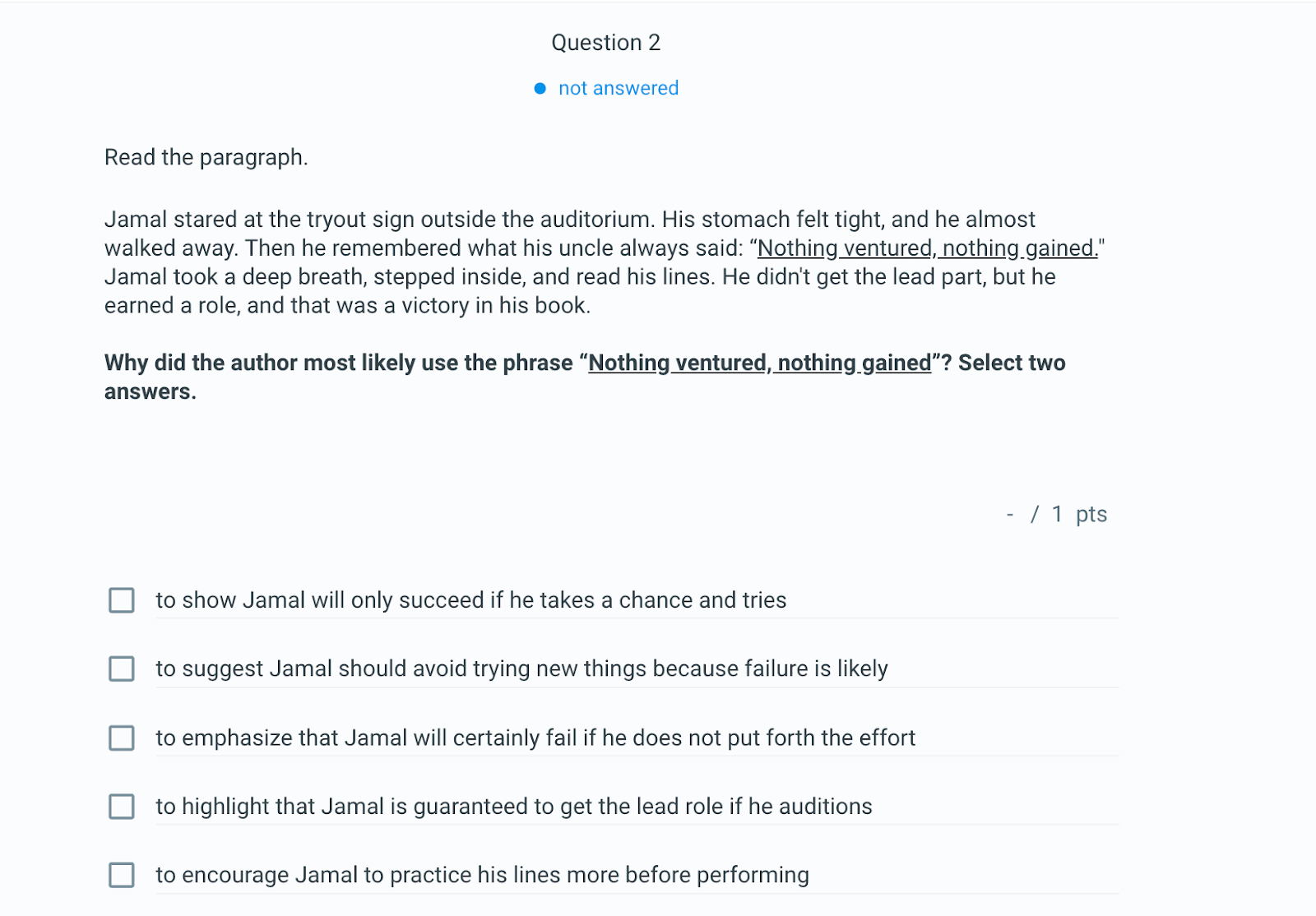
Your imported question set can then be used like any other in Classtime.
Happy teaching! 🎉
FAQ
Will it be visible that this question set was imported?
No. Imported question sets are not labelled or marked differently, neither to you nor to your students.
Can I edit imported questions?
Yes. All imported questions can be edited, deleted, or rearranged.
Can I import multiple files at once?
No. Each import supports one file only. Please start a new import for each file.
Why were some questions skipped?
Possible reasons include:
Missing or unclear instructions
No recognisable question format
Mixed content without clear separation
Why are solutions incorrect or missing?
This may happen if:
Solutions are not clearly marked
Solutions are embedded in images
The question wording is ambiguous
Always review and adjust imported questions.
Is the Question Import feature final?
No. This feature is continuously being improved. Your feedback is highly appreciated.